
This manual describes how to use the Ellisys USB Tracker 110.
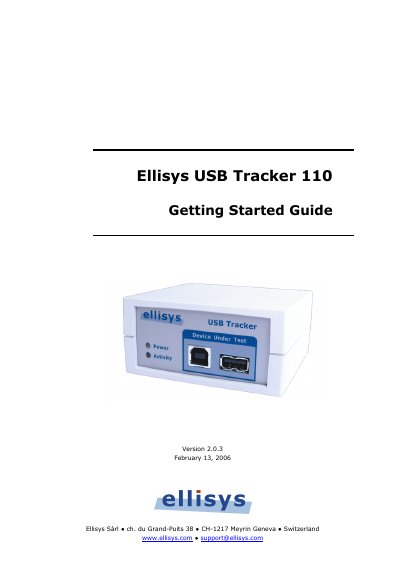
The USB Tracker 110 is a USB protocol analyzer designed to support USB device and software development. It allows users to verify device operation at different abstraction levels and measure performance. The manual covers setup with one or two computers, connecting devices under test, installing software, and troubleshooting. It also includes technical specifications and warranty terms.
The device features a front panel with power and activity LEDs, and back panel connectors for device under test and analysis computers. It supports both low-speed and full-speed USB 1.1 and high-speed USB 2.0 connections. The manual provides diagrams for correct and incorrect device connections, including using a USB hub for multiple devices.
| USB Protocol Support | USB 1.1 (low-speed and full-speed) and USB 2.0 (high-speed) |
|---|---|
| Recommended Connection | Two computers (test and analysis) |
| Maximum Cable Length | Blue cable ≤ 5 meters, red and black cables ≤ 3 meters total |
It is an ideal USB analyzer to support the development of a USB device and related software, enabling verification at different levels of abstraction.
The blue cable must be no longer than 5 meters.
The total length of the red and black cables must not exceed 3 meters.
Yes, it is strongly recommended to connect the analyzer using a high-speed USB 2.0 port to obtain optimal performance.