
This manual describes how to choose the right GS Yuasa Yu-Fit start-stop battery for your car.
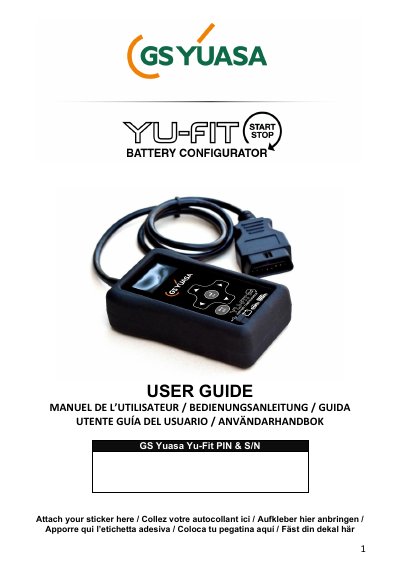
This user guide explains how to use the GS Yuasa Yu-Fit Battery Configurator to validate and reprogram vehicle battery systems after replacement. It covers registration, menu navigation, and the battery validation procedure. The device connects via the vehicle’s EOBD port and requires selecting the correct vehicle manufacturer and battery specifications to ensure proper system operation.
The guide includes safety warnings, step-by-step instructions, and troubleshooting notes for different vehicle systems, including Start-Stop, smart charging, and BMS-equipped vehicles. It also mentions optional modules like Service Light Reset and Electronic Park Brake for additional functionality.
Typically, it takes under 60 seconds on most vehicles.
Failure to validate battery replacement will result in: •System faults and in-vehicle error messages •Loss of the Start-Stop functionality •Possible loss of non-critical vehicle system functions •Significantly reduced battery life
The Yu-Fit is used to validate and reprogram vehicle battery systems after replacement, ensuring correct charging parameters and system operation.