
This file describes how to code a wireless doorbell, including recoding and setting different codes for multiple doorbells.
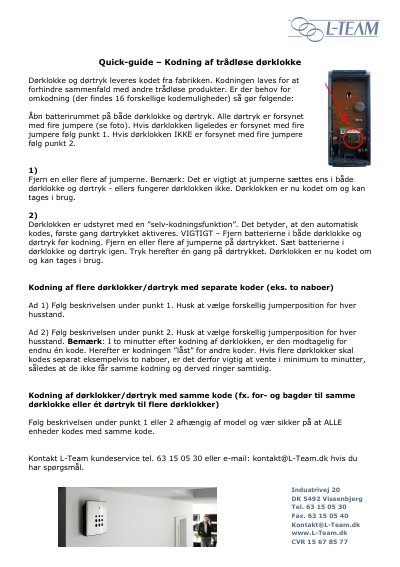
This guide explains how to code L-Team wireless doorbells to avoid interference with other wireless devices. It covers manual coding using jumpers or automatic self-coding when the doorbell is activated. Coding must be synchronized between the doorbell and door chime, and multiple units must use different codes to prevent simultaneous ringing. The coding is locked after two minutes, preventing further changes.
There are 16 different coding options available for the doorbell and door button.
You must remove the batteries from both the doorbell and the door button before coding.
You must wait a minimum of two minutes after coding to ensure separate codes are assigned.