
This manual provides instructions on how to use the Global 400mp, including device overview, usage, configuration, serial communication, Atlas Copco Open Protocol, ToolsNet, EtherNet/IPTM, data management, firmware updates, etc.
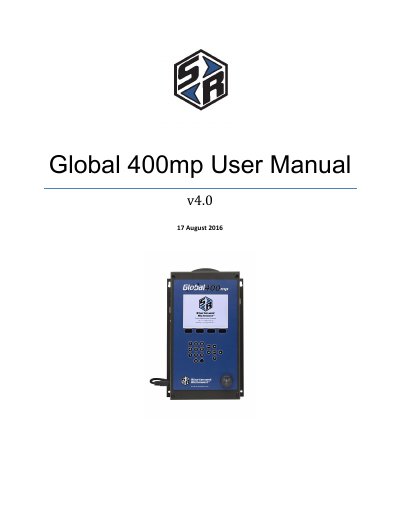
The Sturtevant Richmont Global 400mp is a wireless torque monitoring unit designed to learn, track, and report data from torque tools. The device supports various tool types, including digital and click wrenches, and allows users to configure parameters and jobs via an on-screen interface. It features a history screen to review past tightening events and a rundown graph for visual analysis of torque data.
| Indoor/Urban range | 300 ft. / 100 m |
|---|---|
| Outdoor line-of-sight range | 1 mile / 1500 m |
| Transmit power (conducted) | 60 mW (18 dBm) |
| Transmit power (EIRP) | 100 mW (20 dBm) |
| Receiver sensitivity | -100 dBm |
| Height | 14.625 in |
| Width | 9.5 in |
| Depth | 4.25 in |
The default password is 0104.
You can call them at +1-847-455-8677 or email [email protected].
It can learn holding tools, air tools, newer click tools, 1200 Series Exacta digital tools, and 1250 Series Exacta digital tools.