
This document is a basic operation guide for the RISO SF5x50EII_SF5x30EII duplicator, which introduces the basic operation methods of the duplicator.
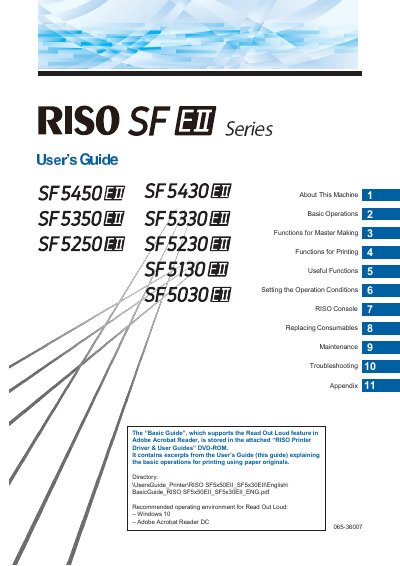
This guide explains how to operate the RISO SF5x50EII and SF5x30EII duplicators, including basic printing, master making, and useful functions. It covers setup, consumable replacement, maintenance, and troubleshooting. The guide also includes information on software, network settings, and authentication features for managing the machine.
The document is structured into chapters covering machine components, basic operations, advanced functions, settings, console access, consumable replacement, maintenance, and troubleshooting. It includes safety precautions, installation instructions, and detailed steps for printing from paper originals or computers.
This machine is a digital duplicator that enables clear printing by using simple operations as if you are operating a copying machine.
The highest sound pressure level for these models is 70 dB(A) or less according to EN ISO 7779.
The Read Out Loud feature requires Windows 10 to operate correctly.