
This manual introduces the functions and operating methods of the G100 analyzer series products
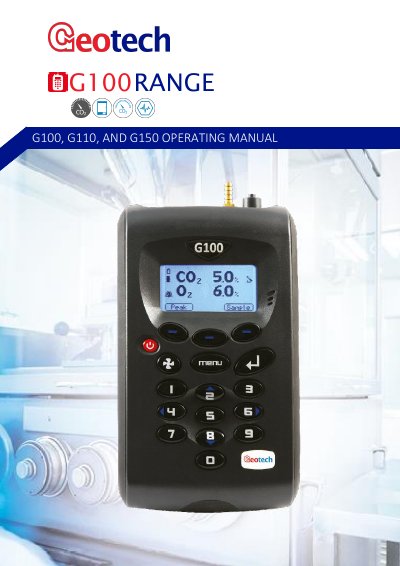
This manual provides operating instructions for the QED G100, G110, and G150 CO2 analyzers, including safety guidelines, instrument components, calibration procedures, and optional accessories like temperature and humidity probes. It also covers data logging, error codes, and troubleshooting.
The analyzers are designed for use in medical, research, and industrial environments, offering features such as dual temperature probes, large data storage, and built-in moisture removal. Optional software, the Analyser Data Manager, allows data export to PC applications like Excel.
| CO2 Measurement Range | G100: 0-20%, G110: 0-100%, G150: 0-10,000ppm |
|---|---|
| Optional Features | O2 0-100%, dual temperature probes, humidity sensor, data storage and download |
| Display | Large, well-lit display |
| Battery Charge Time | Approximately four hours |
G100 measures 0-20%, G110 measures 0-100%, and G150 measures 0-10,000ppm.
A full battery charge takes approximately four hours.
Yes, using the optional Analyser Data Manager software, data can be downloaded and exported to applications like MS Excel.