
This document is the user manual of Grow Wall 3, including usage methods, cleaning and maintenance methods, troubleshooting and other contents.
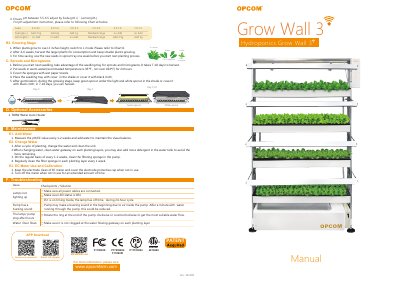
This manual provides instructions for the OPCOM Grow Wall 3, an indoor hydroponics growing system designed for easy one-touch AUTO mode operation. It details the assembly process, including hanging planting grooves and connecting the water control box, pump, and four LED grow lights. The system supports up to 144 plants and includes accessories like filter sponges and pH/EC testing tools.
| Plant Capacity | 144 plants |
|---|---|
| Water Tank Capacity | 11 gallons / 40L |
| Seedling Tray Quantity | 2pcs |
| Grow Sponge Quantity | 60pk x9pcs |
| Filter Sponge Quantity | 5pcs |
Switch to L mode when plants grow to over 2 inches height.
The recommended temperature is 95 F, not over 104 F.
You should change the water after a cycle of planting.
The standard pH range is 5.5-6.5.