
This document is the manual RTS5 20/40/60 MINUTE TIMER
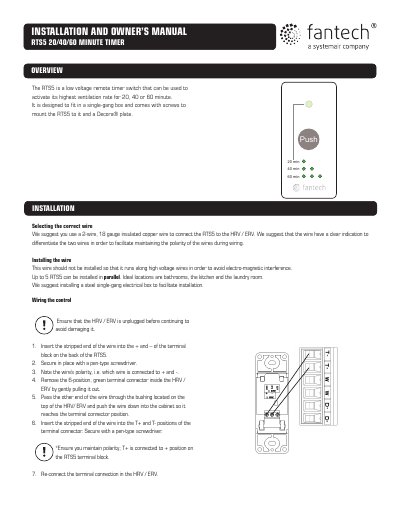
The RTS5 is a low-voltage remote timer switch designed to activate the highest ventilation rate for 20, 40, or 60 minutes. It fits in a single-gang box and includes mounting screws and a Decora® plate. Installation involves wiring with 18-gauge copper wire, ensuring correct polarity, and securing the unit to the wall. Operation is controlled by a push button: one press for 20 minutes, two presses for 40 minutes, three presses for 60 minutes, with a green light indicating duration. The timer resets to normal ventilation when canceled or expired.
Press the PUSH button once; the green light will flash once and remain on for approximately 20 minutes.
Pressing the button a second or third time within a second activates 40 or 60 minutes respectively, with the green light flashing twice or three times.
Press the PUSH button while the green light is steady to cancel the timer.