
This document is the fantech DB10 Pressure Sensor Switch installation and operation manual
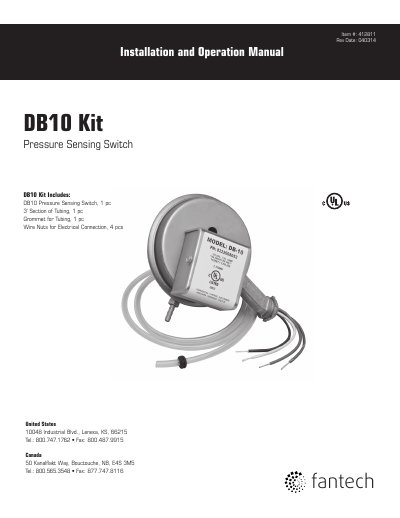
The Fantech DB10 is a positive pressure sensing switch designed to activate a dryer exhaust booster fan when the dryer is operating. It senses positive pressure in the dryer duct and activates an electronic timer circuit to direct power to the fan in consecutive five-minute cycles, ensuring continuous airflow as long as the dryer is on. The switch is intended for use with 115VAC fans up to 3.8 amps and must be installed vertically to function correctly.
| Voltage | 115VAC |
|---|---|
| Current | 3.8 amps |
| Activation Time | Within ten seconds |
| Cycle Duration | Five minute cycles |
The DB10 senses dryer operation and activates the booster fan from an independent electrical circuit to maintain adequate airflow.
The switch must be positioned so that the diaphragm is maintained in a vertical plane.
Check the incoming supply voltage, verify proper connection, test continuity across fan motor leads, and ensure the pressure switch diaphragm is vertical.