
This manual introduces how to connect Dragon-ICE to IAR debugger
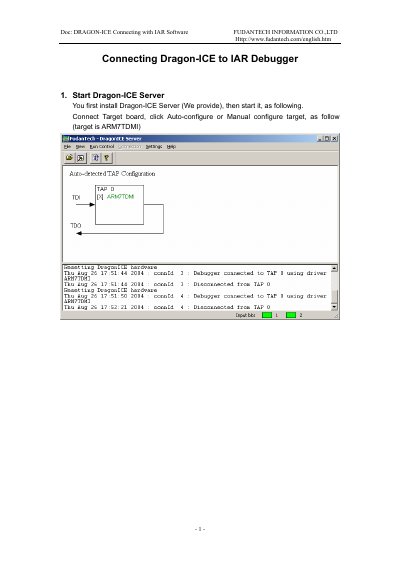
This manual explains how to install and configure the Dragon-ICE Server, then connect it to IAR Workbench using RDI. It covers starting the server, configuring the target board, selecting the debugger driver, and verifying the connection for debugging.
The guide assumes the user has IAR Workbench and the Dragon-ICE hardware ready. It includes screenshots and step-by-step instructions for setting up the RDI options and launching the debugger.
The manual covers connecting the Dragon-ICE to a target identified as ARM7TDMI.
Users must select RDI in the Setup—Driver option.
After configuration, the user must go into the Debug menu.