
RTS5 20/40/60 minute timer is a low voltage remote timer switch that can be used with a compatible HRV / ERV to activate its highest ventilation rate for 20, 40 or 60 minutes. It is designed to fit in a single-gang box and comes with screws to mount the RTS5 to it and a Decora® plate.
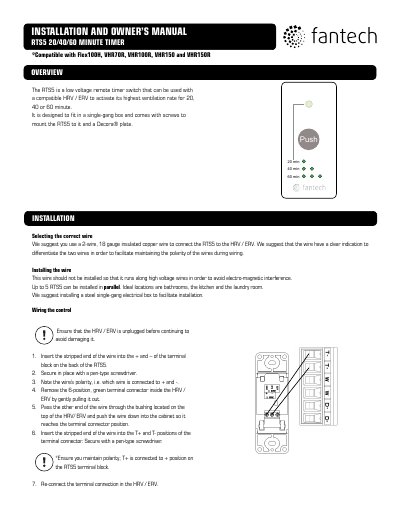
The Fantech RTS5 is a low voltage remote timer switch designed to activate the highest ventilation rate of compatible HRV/ERV units for 20, 40, or 60 minutes. It is designed to fit in a single-gang electrical box and includes screws and a Decora® plate for mounting. The device is compatible with Flex100H, VHR70R, VHR100R, VHR150, and VHR150R models.
| Compatible Models | Flex100H, VHR70R, VHR100R, VHR150, VHR150R |
|---|---|
| Wire Gauge | 18 gauge insulated copper wire |
| Maximum Parallel Units | 5 |
| Activation Time Options | 20, 40 or 60 minute |
Press the PUSH button once to activate the highest ventilation rate for 20 minutes.
Press the PUSH button twice within a second to activate the highest ventilation rate for 40 minutes.
Press the PUSH button three times within a second to activate the highest ventilation rate for 60 minutes.
Press the PUSH button while the green light is steady to cancel the timer.