
Bioer LifeECO Thermal Cycler User Manual, for scientific research only
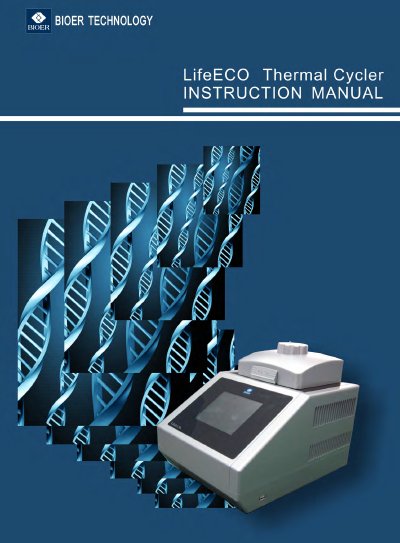
This manual provides instructions for operating, maintaining, and troubleshooting the Bioer LifeECO Thermal Cycler, a PCR instrument designed for scientific research. It includes safety precautions, setup, program creation, and system configuration. The device uses thermoelectric refrigeration, supports USB connectivity for software upgrades, and features a large LCD screen for user-friendly operation. Safety warnings cover electrical hazards, liquid exposure, and hot surfaces during operation.
The manual also covers maintenance procedures, such as cleaning conical holes with alcohol and avoiding corrosive cleaners. It includes troubleshooting guidance and firmware upgrade instructions. The device is designed for indoor use, with IP20 protection and Class I electrical safety, and must be kept in a dry, ventilated area away from water and heat sources.
| Temperature Change Rate | 4℃/second |
|---|---|
| Power Supply Compatibility | ±10% voltage deviation allowed |
| Protection Class | IP20 |
| Safety Standard | CAN/CSA-C22.2 No. 61010-1 |
It can change temperature as fast as 4℃ per second, with adjustable speed based on experimental needs.
Yes, it connects to a computer via USB for software upgrades and firmware updates.