
SXT Timer Supplemental Service Manual is a manual for maintaining SXT Timer, which mainly introduces the functions, operation, programming modes, circuit diagrams of SXT Timer.
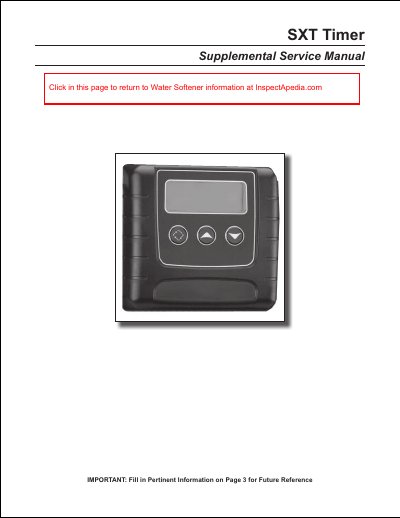
This supplemental service manual provides detailed instructions for servicing the SXT Timer, including programming modes, timer operation, and troubleshooting. It covers different timer models such as 2510, 2750, 2850, 9000, 9100, and 9500 series, along with their respective meter assemblies. The manual explains how to configure the timer for various control types including meter immediate, meter delayed, time clock delayed, and day-of-the-week control. It also details power failure handling and regeneration procedures.
The manual includes wiring diagrams for different models, assembly instructions for various meter types, and diagnostic programming mode. It emphasizes proper installation requirements, including compliance with plumbing and electrical codes, and provides warnings about temperature and pressure limits. The document is intended for service technicians and includes a job specification sheet for recording installation details.
The control continues to keep time and the passage of days for a minimum of 48 hours in the event of power failure.
The control will save the current valve position before it shuts down. When power is restored, the control will resume the regeneration cycle from the point where power failed.
Press and hold the Extra Cycle button for five seconds to trigger regeneration immediately.