
This file is a 7000 model water softener maintenance manual, which introduces the control valve, installation process, operation and settings, program, troubleshooting and other contents of the water softener.
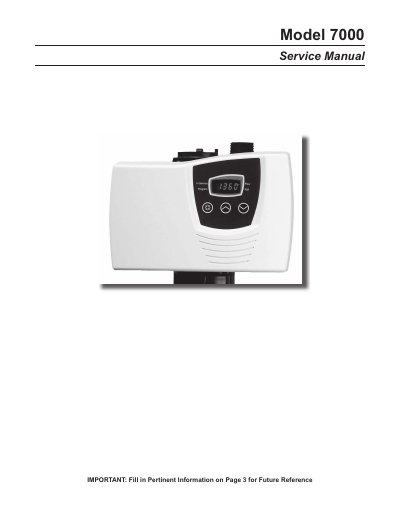
This service manual provides detailed instructions for installing, programming, and maintaining the Water King Model 7000 water softener. It includes procedures for valve installation, regeneration settings, troubleshooting, and component assembly. The manual also covers electrical and plumbing requirements, safety precautions, and operational modes such as time clock, meter immediate, and meter delayed regeneration.
The document is designed for qualified technicians and includes step-by-step guidance for servicing the unit, including bypass valve setup, brine tank preparation, and controller programming. It also explains how to handle power failures and manually initiate regeneration cycles.
| Minimum Water Pressure | 20 psi |
|---|---|
| Maximum Water Pressure | 125 psi |
| Minimum Water Temperature | 34° F |
| Maximum Water Temperature | 110° F |
| Ambient Temperature | 34° to 122° F (1° to 50° C) |
A minimum of 20 psi inlet water pressure is required for regeneration valve to operate effectively.
Press and release the Extra Cycle Button for immediate regeneration, or press and hold it for five seconds for delayed regeneration systems.
All control displays and programming are stored, and the unit resumes normal operation upon power re-application. However, it does not monitor water usage during the outage.