
This document is a user manual for RXD water softener.
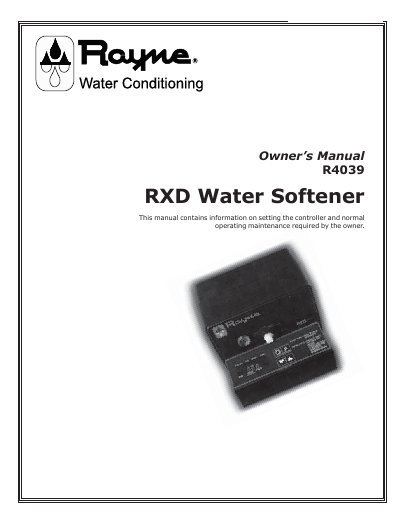
This user manual provides instructions for installing, operating, and maintaining the Rayne RXD water softener. It includes details on setting the controller, salt usage, piping requirements, and troubleshooting common issues. The manual also covers regeneration cycles, valve programming, and maintenance tasks such as cleaning the brine tank and resin.
The RXD water softener is designed to soften water for household use, improving appliance longevity and efficiency. It requires a 24V, 60Hz power supply and uses evaporated salt types for optimal performance. The system includes a valve with a backup battery to maintain settings during power outages.
| Pressure Range | 30° psi to 125° psi |
|---|---|
| Operating Temperature | 40° F to 120° F |
| Electrical | 24 V, 60Hz |
| Max. Hardness Range (gpg) | 60 70 100 |
| Service Flow Rate | 13.5 13 14 |
| Softening Capacity (grains) Minimum - Efficiency | 20,000 30,000 40,000 |
| Salt Dosage (Ibs.) Minimum - Efficiency Setting | 6 9 12 |
| Clear water of Iron Removal Capacity (ppm) | 5 5 6 |
| Brine Valve System | Noryl Safety Float |
Use evaporated salt such as solar, pellet, nugget, button, crystal, or tabs. Rock salt is not recommended because it commonly contains silt and sand which can hamper the operation of the equipment. DO NOT use granulated types. Block types labeled for water softener use are acceptable, however, DO NOT drop into brine tank or stack more than two high.
Depress the Up or Down Set Button to set the correct time. Note: Time of Day must be set correctly to either A.M. or P.M.
The 9V alkaline battery will maintain current system information (Time of Day, Volume Remaining, etc.) for approximately 24 hours at maximum battery capacity. If the power interruption exceeds the capacity of the battery backup, the normal operating display(s) information will be lost. To resume normal operation, reset only the Time of Day Display by depressing either the Up or Down Arrow Buttons.
Clean the brine tank periodically. Once a year is recommended.