
WirelessAIR™ EZ Mount™ Wireless Air Suspension
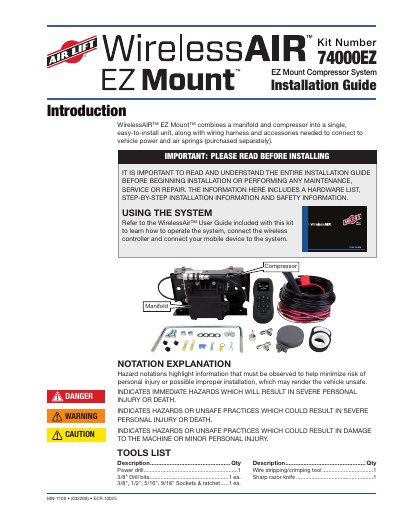
This guide provides detailed instructions for installing the WirelessAIR EZ Mount Compressor System 74000EZ MN-1100, including hardware lists, mounting options, wiring and air line connections, and safety precautions. It covers mounting with hex cap bolts, U-bolts, or self-tapping screws, and includes diagrams for proper orientation and component placement. Safety warnings are emphasized to avoid injury or system damage.
The guide also explains how to connect the wiring harness and air lines to the vehicle’s power and air springs, including fuse installation and mobile app/controller pairing instructions. It includes a drilling template for accurate hole placement and tips for cutting and routing air lines safely.
The part number is MN-1100.
Ideally, EZ Mount should be mounted in the middle of the vehicle in the zone marked by the yellow square to optimize the wireless performance.
The torque specification for hex cap bolts is 21-25 lb.-ft. (30-34Nm).