
EZ Flash 5 manual, introduce the features and usage of EZ Flash 5.
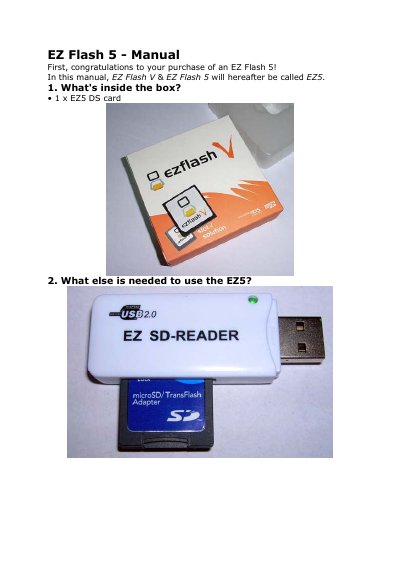
The Plextor EZ Flash 5 is a flash cartridge for the Nintendo DS that allows users to run games and applications from a Micro-SD/TransFlash memory card. The manual explains the contents of the package, required accessories, and initial setup steps, including formatting the memory card and placing necessary files in the /shell folder.
| Compatible Memory Card Type | Micro-SD/TransFlash |
|---|---|
| Recommended File System | FAT32 |
| Firmware Update Time | about 15 seconds |
| Supported Save Types | 4K EEPROM, 64K EEPROM, 512K EEPROM, 2M FLASH and 4M FLASH |
It is advised that you format your Micro-SD/TransFlash with FAT32 for best performance.
The update will take about 15 seconds.
Save files are stored in a folder called /SAVE.