
CPE-0001 user manual, introduce the product's hardware description, system requirements, installation, network setup, setting and features information
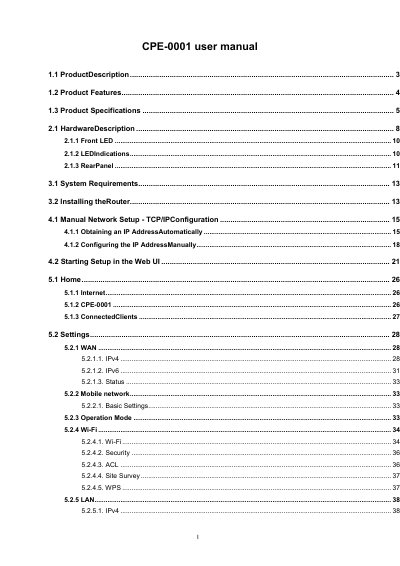
This manual provides step-by-step instructions for installing and configuring the CPE-0001 wireless broadband router. It covers hardware details, network setup via web UI, wireless settings including dual-band support, firewall and QoS features, and firmware upgrades. The guide also explains LED indicators and system management tools for monitoring and remote access.
The device supports IEEE 802.11ac dual-band wireless with speeds up to 867Mbps on 5GHz and 300Mbps on 2.4GHz. It includes four Gigabit LAN ports, WAN port, USB sharing, and mobile network support for 2G/3G/LTE. Advanced features include WPS, MAC filtering, port forwarding, and TR069 management.
The router provides a wireless speed of 867Mbps in the 5GHz frequency band.
The device is equipped with 4x 10/100/1000Mbps Fast Ethernet ports.
The router requires a 12V DC, 1.5A power supply.
Turning off the power or pressing the reset button may damage the router.