
This product is a pH tester that supports USA and NIST buffer set selection
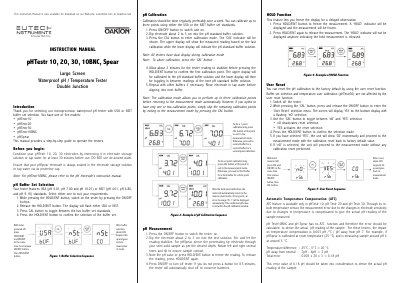
This manual guides users through operating OAKION’s pHTestr series testers, including calibration with USA or NIST buffers, temperature compensation, and electrode maintenance. It also covers battery replacement, user reset, and troubleshooting error messages. The testers are designed for applications like water quality testing, labs, and industrial use.
The manual includes detailed steps for calibration, measurement, and electrode replacement, with specific instructions for models like pHTestr30 (with ATC) and pHSpear (without ATC). It also explains how to handle temperature compensation errors and how to reset calibration to factory defaults.
Press the CAL button to toggle between the two buffer set standards, then press the HOLD/ENT button to confirm the selection.
The error is 0.003 pH per °C per pH away from pH 7.
Switch off the tester, press and release the ON/OFF button while holding the CAL button to enter the 'User Reset' menu, toggle between 'nO' and 'YES', then press HOLD/ENT to confirm.
Dip the electrode into each buffer, press CAL to enter calibration mode, wait for the reading to stabilize, then press HOLD/ENT to confirm each point. The tester will automatically return to measurement mode after the third point.