
This manual is the user manual for SPIDER 600. It introduces how to use SPIDER 600.
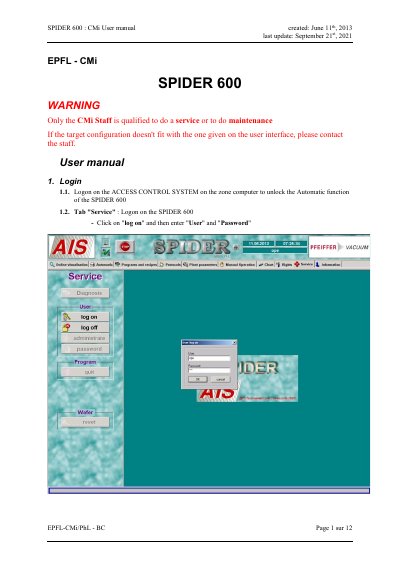
This document provides step-by-step instructions for operating the SPIDER 600 system, including logging in, loading wafers into the load lock, selecting and modifying recipes for processing, and unloading completed wafers. It also includes safety warnings and operational guidelines for maintenance and target cleaning.
The manual is designed for CMi staff and covers manual operation modes, automatic processes, and recipe management for various process modules. It emphasizes safety, proper wafer loading, and the necessity of target cleaning before high-temperature processing.
Only the CMi Staff is qualified to do a service or to do maintenance.
Please contact the staff.
Click on "log on" and then enter "User" and "Password".