
Spider MT503 SMART User Manual is a conference phone that can be used through connecting a computer, a smart device, and has multiple microphones, a uniquely designed speaker and a powerful DSP to achieve professional conference sound
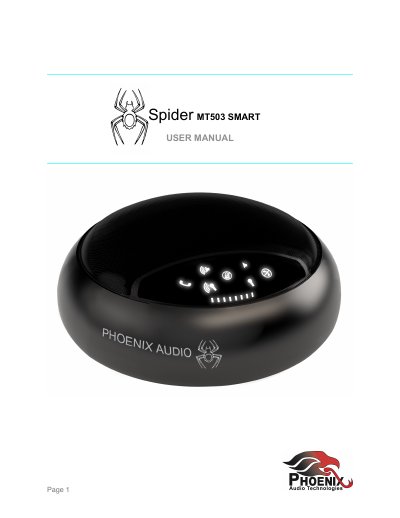
The Spider MT503 SMART is a high-quality conference speakerphone designed to turn any room into a professional conference space. It features a proprietary Beamforming technology with multiple microphones and a powerful DSP to focus on the speaker and cancel out background noise. The device is small, discreet, and utilizes a directional array that adjusts dynamically to the sound source.
| Frequency response | 50Hz – 16KHz |
|---|---|
| Broadcast level | 92dB SPL @1m (5 watts RMS) |
| Noise cancellation | > 10dB (without pumping noise) |
| Acoustic echo cancellation | > 40dB with conversion speed of 40dB/sec |
| Microphones | 4 high-quality directional microphones |
| Daisy chain expandability | up to 15 units |
| Dimensions | Length: 7" Width: 7" Height: 2.75" |
| Weight | 2.15 lbs. |
Use the provided USB cable, plugging the micro USB side into the Spider and the USB end into any USB port on your computer.
Press the button located on the bottom right of the keypad. A MUTE symbol will appear on the screen and the grill lights will flash red.