
This document describes the process of periodically calibrating Spider hardware.
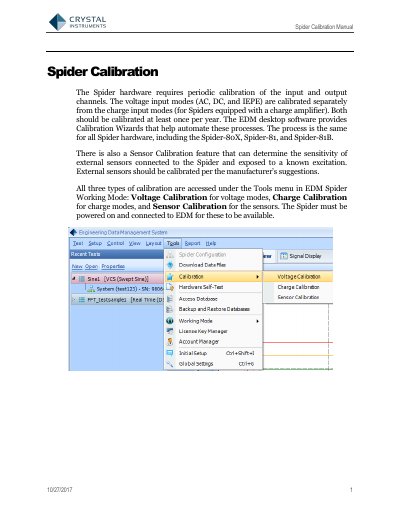
The Spider hardware requires periodic calibration of its input and output channels, which should be performed at least once per year. The process covers voltage input modes (AC, DC, and IEPE) and charge input modes for units equipped with a charge amplifier. The EDM desktop software provides Calibration Wizards to automate these processes for the Spider-80X, Spider-81, and Spider-81B models.
| Calibration Frequency | at least once per year |
|---|---|
| Supported Models | Spider-80X, Spider-81, Spider-81B |
| Multimeter Accuracy Requirement | four times as accurate as the target accuracy |
| Multimeter Resolution | 5 significant figures up to 10 V |
Both voltage and charge input modes should be calibrated at least once per year.
The meter should be four times as accurate as the target accuracy of the unit being calibrated.
If the reading is outside the range of +0.5 V and -0.5 V, the software cannot calibrate it and you must contact Crystal Instruments support.