
This is a manual for a machine used to bend metal bars
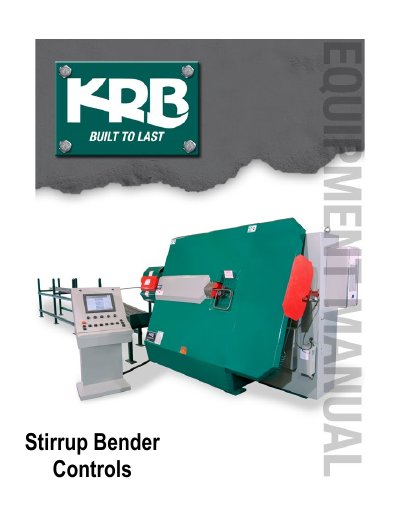
This manual details the operation of the KRB Machinery 613C stirrup bender controller, including function switches, touch screen displays, part setup, and machine status. It covers manual and automatic modes, error handling, maintenance reminders, and production data. Sections guide users through configuring parts, running jobs, and troubleshooting with diagnostic tools.
Touch the block in the top right to toggle between manual and automatic modes.
When a machine error occurs, the auto/manual block switches to the error state, and the round error button at the top of the screen turns red. The numeric label on the error button shows the number of errors currently active.
Touch and hold the KRB Logo for 5 seconds to initiate a controlled shutdown process.