
This is a user manual for Witty TAB, which introduces the basic functions and usage methods of Witty TAB
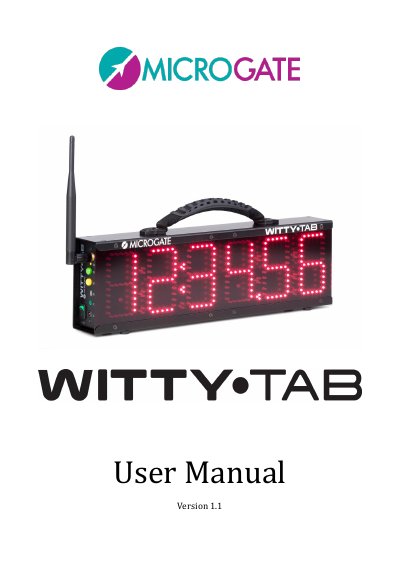
This manual provides instructions for operating the Microgate Witty TAB, a timing system used in sports events. It details hardware components like the control panel, power supply, and photocells, as well as programming modes for timing functions such as start, lap, and countdown. The device supports radio communication at 433-434 MHz and features a 6-digit LED display with manual brightness control. It also includes configuration tools for radio channels, brightness, and time/date settings.
| Weight | 2.9 kg |
|---|---|
| Dimensions | 13 x 41.5 x 6 cm (H x W x D) |
| Operating Temperature | 0° C to +45°C |
| Time Measurement Unit | 1/100 s |
| Measurement Resolution | 4 x 10⁻⁵ s (1/25000 s) |
| Radio Frequency | 433.1125 MHz to 434.7375 MHz |
| Radio Transmission Power | 10 mW |
| Radio Transmission Range | Approx. 150 meters |
| Processing Unit | 16-bit microcontroller |
| Time Base | 12. quartz 8 MHz, stability ±10ppm between 0°C and +45°C |
| Battery Life | > 10 hours |
Approximately 150 meters.
Enter program P99, set the channel number (1-8), confirm with the yellow LAP-RESET button, and the channel will be transmitted to all listening photocells.
6 digits x 7 segments (10 x 5 LEDs) with 4 punctuation marks, with manual/automatic brightness adjustment.
Enter program P98, generate an impulse interrupting the photocell/reflector beam. If received, a counter and signal power percentage will appear on the display.