
This is a file about the installation and operation manual of Envision Technologies FG32+. The manual introduces the supply fan control of the FG32+ main controller and FC20 expansion controller
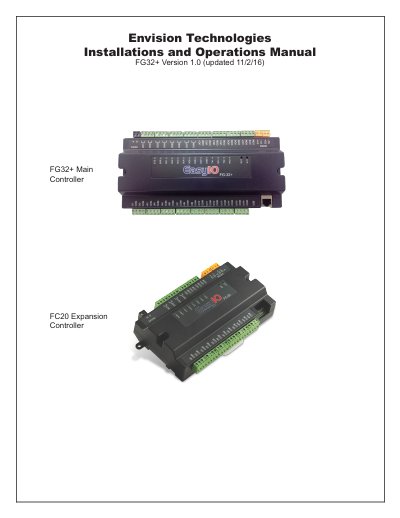
This manual details the installation and operational modes of the FG32+ controller, including cooling, heating, and dehumidify modes for various HVAC unit types. It explains how sensors and setpoints control fan and system behavior under different conditions.
The document covers configurations for Make Air, Make Up Air, Mixed Air, and other unit types, with specific instructions for maintaining temperature, dewpoint, and static pressure setpoints. It also includes auxiliary and emergency heating options for heat pump units.
The modes are defined based on the HVAC unit type and configurable sensor combinations, with configuration instructions found in the User Interface section.
Cooling mode is enabled when outside air temperature rises above the occupied cooling mode setpoint and outside temperature is above the outside air cooling lockout. The controller modulates cooling to maintain supply air temperature at the occupied cooling control setpoint.
Dehumidify mode is enabled when outside air dewpoint rises above the occupied dehumidify setpoint and outside temperature is above the outside air cooling lockout. The controller modulates cooling to maintain the occupied dehumidify control sensor value at the setpoint, and reheat is modulated to maintain the occupied temp control sensor value at .5°F below the occupied cooling control setpoint.