
This document is the Uplink 2550 GSM alarm communicator user manual, which introduces the product features and installation and use methods.
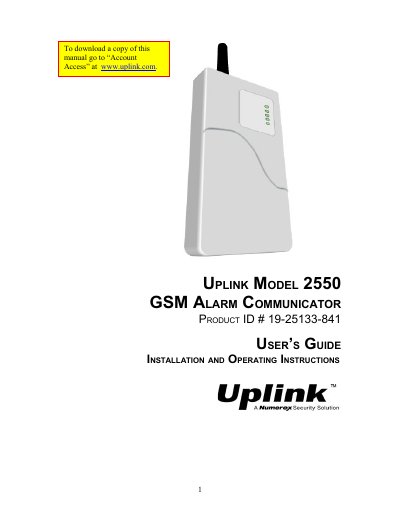
This manual provides step-by-step instructions for installing and operating the Uplink Model 2550 GSM Alarm Communicator. It explains how to connect the device to an alarm panel, configure DIP switches, interpret LED indicators, and program event reporting. The unit supports both telephone line and GSM networks for alarm transmission and includes features like cable supervision, relay outputs, and web-based services. It is ETL Listed and compliant with UL standards for residential and small business alarm systems.
The manual also includes warranty information, liability waivers, FCC compliance details, and technical specifications such as power monitoring and GSM network supervision. Users can access online tools for activation, testing, and real-time status monitoring via www.uplink.com.
| Power Source Monitoring | Reports low battery conditions when voltage drops below 10.2 VDC |
|---|---|
| GSM Network Supervision | Activates relay if unit no longer locates local GSM network |
| ETL Listed Certification | Conforms to UL Standards 985, 1023, and 1635 |
It supports Contact ID (SIA DC-05) and SIA FSK Level 1 (SIA DC-03) digital dialer formats.
It features a built-in circuit to detect voltage or voltage and current, and activates a relay if insufficient power is detected to intercept the alarm panel’s dialer output.
Yes, it can be used as the primary or backup communications path when a digital dialer (or DACT) is present.
It ships with an active SIM card and can be activated via the web at www.uplink.com or by calling Uplink Customer Service at 1-888-9-UPLINK (1-888-987-5465).