
This manual introduces the basic use of BTCK-10BS wireless car kit.
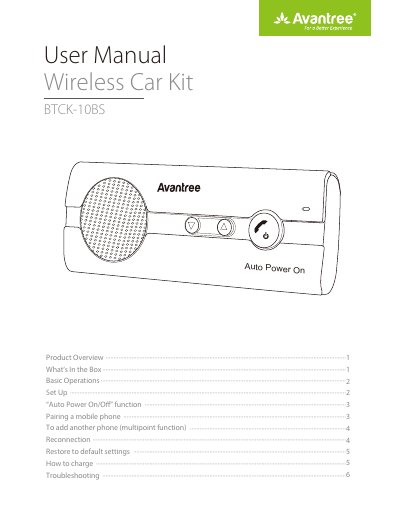
The Avantree 10BS is a wireless car kit that includes a USB car charger, USB charging cable, and sun-visor clip. It features an 'Auto Power On/Off' function powered by a motion sensor, allowing the device to turn on when the car door is opened and turn off after 10 minutes of inactivity. The kit supports multipoint functionality, enabling simultaneous connections to two mobile devices.
Manually power on or off the car kit by pressing and holding the MFB for 4 seconds to enable or disable this function.
Set the 10BS to PAIRING MODE by holding the MFB button for 7 seconds until the LED flashes BLUE and RED alternately, then select 'Avantree 10BS' on your phone.
Pair the first phone, power off the 10BS, set it to PAIRING MODE to pair the second phone, then power it on again to automatically connect both.
Ensure you did not manually power off the car kit, as doing so disables the auto power on function.