
This document is the installation guide for Star Wars: The Old Republic
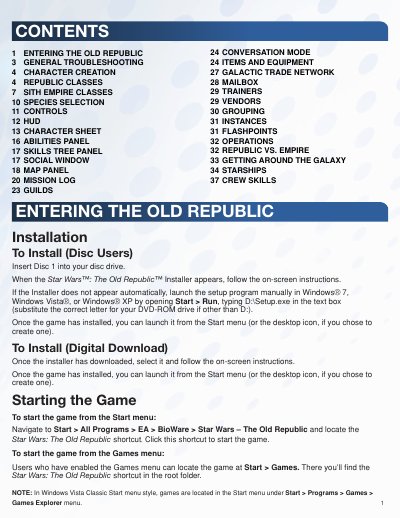
This document provides instructions for installing Star Wars: The Old Republic via disc or digital download, as well as launching the game from the Start menu or Games menu. It covers initial account creation and login procedures for the game launcher.
The guide details the minimum system specifications required to run the game, including operating systems, processor speeds, RAM, and graphics card requirements. It also outlines general troubleshooting steps for common issues such as game lockups, video problems, sound issues, and connection errors.
| Operating System | Windows XP, Windows Vista, or Windows 7 |
|---|---|
| Processor (AMD) | AMD Athlon 64 X2 Dual-Core 4000+ or better |
| Processor (Intel) | Intel Core 2 Duo Processor 2.0GHz or better |
| RAM (Windows XP) | 1.5GB |
| RAM (Windows Vista/7) | 2GB |
| Graphics Card | ATI X1800 or better, nVidia 7800 or better, or Intel 4100 Integrated Graphics or better |
| DVD-ROM Speed | 8X or better |
Insert Disc 1 into your disc drive and follow the on-screen instructions when the installer appears.
Select the downloaded installer and follow the on-screen instructions to complete the installation.