
ERA Smart Home Security System Quick Start Guide

This quick start guide provides an overview of the ERA Protect smart home security system, including its components, setup and usage.
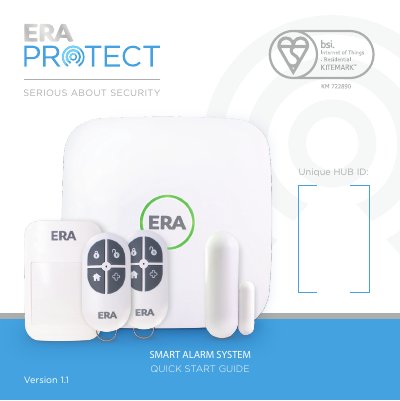

ERA Smart Home Security System Quick Start Guide - cover page
Brand
eRA
Category
Other Electronics
Document type
User Manual
Language
English
Pages
16
File format
PDF
File size
709 KB
Published
18 October, 2023
Updated
18 October, 2023
MD5 checksum
2530655A58F32CEBC6E49D0A0C4B99D1

About this manual

This document serves as a quick start guide for the ERA Smart Home Security System. It covers the system overview, including the Hub, Remote Control, Door/Window Sensors, and PIR Motion Sensors. The guide provides step-by-step instructions for setting up the ERA Protect Hub, installing accessories, and configuring devices via the smartphone app.

What's inside

  • System Overview
  • Hub Set Up
  • Installing An Accessory
  • Door / Window Sensor Placement
  • PIR Motion Sensor Placement
  • App Screens
  • Factory Reset
  • Need Support

Frequently asked questions

What is the maximum supported gap for a Door / Window Sensor?

The maximum supported gap is 20mm.

How long must the reset pin be held in the factory reset button hole?

Press and hold the pin on the reset button for 10 seconds.

What is the phone number for customer support?

Customer Helpline: 0345 257 2500.

What is the warranty period for the ERA Smart Home Security System?

Two years from the date of purchase.

Download PDF (709 KB)

More eRA Manuals


View all eRA manuals →