
This document is an instruction manual and installation guide for Vivint Element CT200, including detailed wiring diagrams
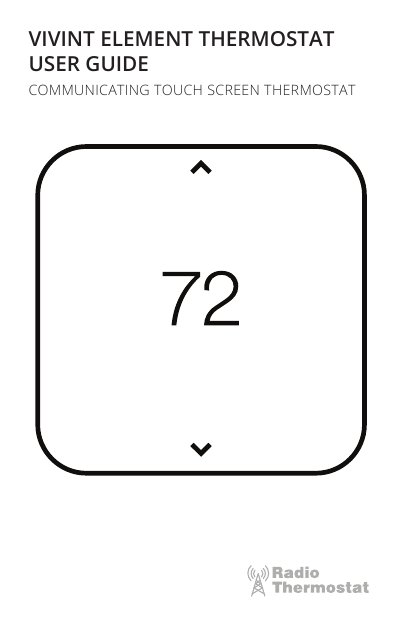
The Vivint Element CT200 is a communicating touch screen thermostat designed for use with 4AA alkaline batteries and/or 24-volt AC C wire or millivolt gas systems. It is compatible with various residential HVAC systems, including single and two-stage heating, heat pumps, and hybrid systems, but should not be used with line voltage heating systems.
The guide covers the complete installation process, from selecting the correct location to wiring connections and mounting the device. It also details how to connect the thermostat to a Z-Wave network, configure HVAC settings, and perform operations such as resetting the device to factory defaults or updating firmware.
| Power Source | 4AA alkaline batteries and/or 24-volt AC C wire |
|---|---|
| Wire Gauge | 16-22 awg |
| Relay Load Limit | 1.0 amp |
| Mounting Height | 5 ft. (1.5m) above the floor |
No, this thermostat should not be used with line voltage heating systems.
The thermostat will display a Low Battery Warning screen, which should be dismissed and the batteries replaced.
Press and hold the SIDE button for three seconds, navigate to Installer > Reset, select Reset, and confirm.