
ANSYS Mech 460 Laboratory Manual

This document is an ANSYS laboratory manual, which includes the use of ANSYS and related experiments
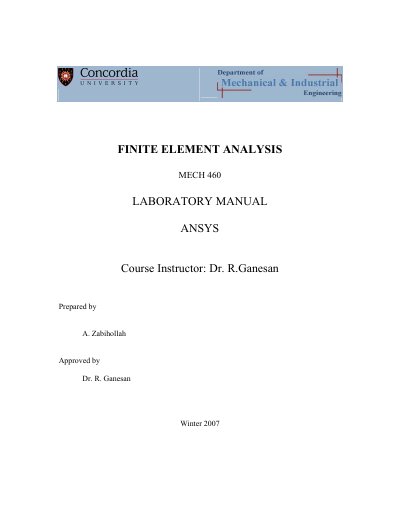

ANSYS Mech 460 Laboratory Manual - cover page
Brand
ANSYS
Category
Other
Document type
User Manual
Language
English
Pages
41
File format
PDF
File size
866 KB
Published
18 October, 2023
Updated
18 October, 2023
MD5 checksum
1AE9E4573398CCB37C9358C30698EC91

About this manual

This manual provides instructions for performing static, dynamic, and non-structural analyses using ANSYS software. It covers truss and frame structures, 2D problems, modal and transient analyses, heat transfer, and fluid analysis. The guide includes detailed steps for preprocessing, solving, and post-processing models using the graphical user interface. It also introduces CATIA for modeling and includes lab assignments for practical application.

What's inside

  • Introduction to ANSYS
  • Static Analysis: Truss and Frame Structures
  • Static Analysis: Two Dimensional Problems
  • Dynamic Analysis: Modal and Transient Analyses
  • Non-Structural Problems
  • Introduction to CATIA
  • References

Frequently asked questions

What is the purpose of the ANSYS software as described in the manual?

ANSYS is a powerful general purpose finite element modeling package to numerically solve a wide variety of mechanical, structural and non-structural problems.

What are the three main stages of a finite element solution according to the manual?

Preprocessing: defining the problem, Solution: assigning loads, constraints and solving, Post processing: further processing and viewing of the results.

What is the first step to start ANSYS in the Windows environment as stated in the manual?

Follow the path: Start Menu >Programs >ANSYS 7.1 >ANSYS Classic.

What is the element type used for 2-D truss analysis in the manual?

The element type used is LINK1.

Download PDF (866 KB)

More ANSYS Manuals


View all ANSYS manuals →