
This is the user manual for EMBASSY® HOME™ Electronic Door Lock EL1. It introduces how to install, use and reset the electronic door lock
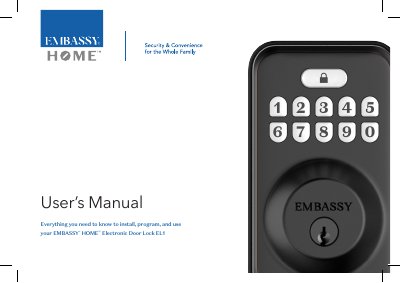
This manual provides instructions for installing the Embassy EL1 electronic door lock, including door preparation, tool requirements, and assembly steps. It details how to configure the lock's security features, such as setting master codes, adding user codes, and adjusting auto-lock timing.
| Exterior Assembly Dimensions | 5-1/8" (130mm) x 3" (76mm) x 1-3/16" (30mm) |
|---|---|
| Battery Type | 4 AA Alkaline |
| Operation Voltage | 4.6~4.0V |
| Battery Life | Up to one year |
| Max User Codes | 20 |
The factory preset master code is 1-2-3-4-5-6-7-8.
Yes, you can mute or unmute the keypad beeping by entering Programming Mode and pressing button 4.
Vacation Mode restricts all user codes until the master code is entered, requiring the physical key or thumbturn to unlock.