
Manual Digital Control Unit for EasyControl Digital System
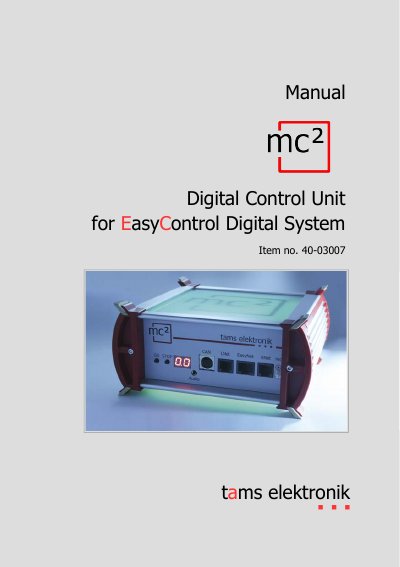
This manual guides users through commissioning, configuring, and operating the mc² digital control unit for model railway layouts. It covers connections to external devices, system configuration via web interface, and troubleshooting common issues. The manual is designed for use with the mc²-Toolbox web interface and applies to specific hardware and firmware versions.
The document includes detailed sections on hardware setup, protocol compatibility, device connections (CAN bus, LocoNet, EasyNet, etc.), system configuration, operation controls, and technical data. Safety and usage instructions are provided to ensure proper handling and prevent damage or hazards.
| Hardware Version | 1.4 |
|---|---|
| Firmware Version | 1.03 |
| Web Interface Software Version | 1.10 |
The mc²-Toolbox has been tested with Chrome, Firefox, Opera, and Edge. Internet Explorer and Safari are not recommended.
The unit is intended for controlling digital model railway layouts according to the provided instructions.
Only the power supply unit included in the scope of delivery is permitted for the power supply.
You must keep a distance of at least 20 cm between the unit and surrounding surfaces to allow air exchange.