
The document is Ascon technologic Z31-A User Manual, introduces the Z31 product features, parameters, usage methods, etc
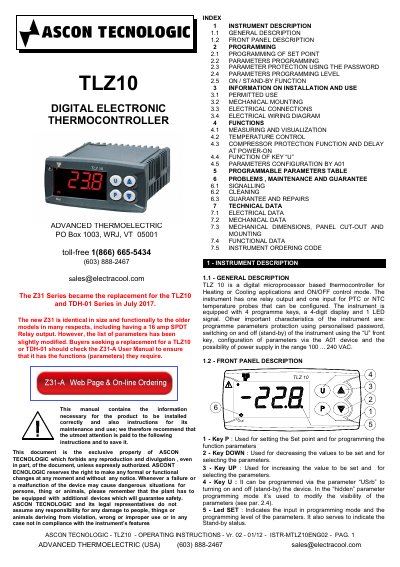
This manual provides instructions for installing, programming, and maintaining the ASCON TECNOLOGIC Z31-A digital thermocontroller. It details how to set the temperature point, configure parameters, use password protection, and manage standby mode. The document also covers mechanical mounting, electrical connections, and safety precautions for proper operation.
The Z31-A replaces older TLZ10 and TDH-01 models and includes a 16A SPDT relay output. It supports PTC or NTC temperature probes and offers programmable parameters for heating or cooling applications. Safety warnings are included for hazardous environments and electrical installations.
| Relay Output | 16 amp SPDT |
|---|---|
| Power Supply | 100 ... 240 VAC |
| Mounting Size | 78 x 35 mm |
The Z31-A is the replacement for the TLZ10 and TDH-01 Series, introduced in July 2017.
Press the key P, then release it. Use UP or DOWN keys to adjust the value.