
UCAM UCAM-C525FB 2.0 megapixels Web Camera User Manual

this is a user manual for a web camera
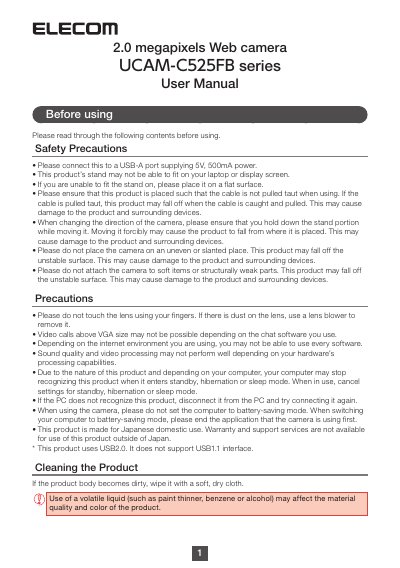

UCAM UCAM-C525FB 2.0 megapixels Web Camera User Manual - cover page
Brand
UCam
Document type
User Manual
Language
English
Pages
9
File format
PDF
File size
1.1 MB
Published
18 October, 2023
Updated
18 October, 2023
MD5 checksum
1D90E9EFB66D7D08500E57E86DE74453

About this manual

This user manual provides safety precautions and setup instructions for the UCAM-C525FB 2.0 megapixels web camera. It advises users to connect the camera to a USB-A port supplying 5V, 500mA, and to avoid placing it on uneven surfaces or attaching it to soft items. The manual also includes cleaning instructions and notes on compatibility with chat software and hardware performance. It warns that the camera is intended for Japanese domestic use and does not support USB1.1.

What's inside

  • Safety Precautions
  • Precautions
  • Cleaning the Product
  • Name and function of each part
  • How to use the camera
  • Step 1 Attach the camera
  • Step 2 Connecting the camera
  • Use with other chat software

Frequently asked questions

What USB port type and power rating must be used to connect the camera?

Connect to a USB-A port supplying 5V, 500mA power.

What is the maximum video resolution supported by the camera?

Video calls above VGA size may not be possible.

What is the camera's USB interface standard?

This product uses USB2.0. It does not support USB1.1 interface.

Download PDF (1.1 MB)

More UCam Manuals


View all UCam manuals →