
Oricom CARE80 Amplified Phone User Guide

This document is a product manual that introduces Oricom CARE80 Amplified Phone.
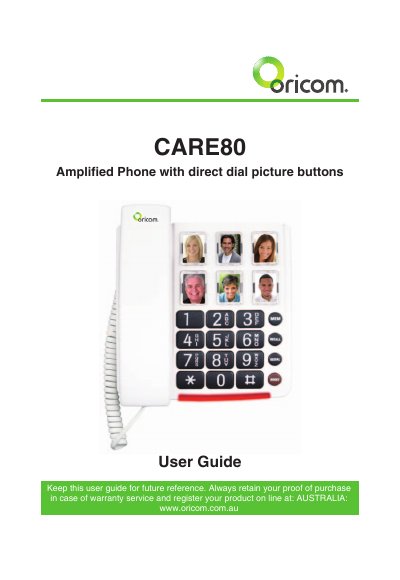

Oricom CARE80 Amplified Phone User Guide - cover page
Brand
Oricom
Category
Other Electronics
Document type
User Manual
Language
English
Pages
17
File format
PDF
File size
723 KB
Published
18 October, 2023
Updated
18 October, 2023
MD5 checksum
3E1B3C5B2076689ABF54F894263F930D

About this manual

The Oricom CARE80 Amplified Phone is designed for indoor use and features direct dial picture buttons. It includes specific instructions for installation, either on a wall plate or directly to a wall, ensuring proper connection to the telephone line.

What's inside

  • General Information
  • Installation
  • Location of Controls
  • Operation
  • Memory
  • Consumer Support
  • Warranty Information

Specifications

Warranty Period1 year
Spare Parts Warranty30 days or remainder of product warranty

Frequently asked questions

What is the recommended setting for the Recall switch in Australia?

The Recall switch should be set to 100 for Australia.

What is the recommended setting for the Recall switch in New Zealand?

The Recall switch should be set to 600 for New Zealand.

How do I insert a pause while dialing?

Press the REDIAL button at the desired point in the number to insert a 3.6 seconds pause.

Download PDF (723 KB)