
This is an installation guide that explains how to install AAA Smart Home's control panel and 7 main security devices
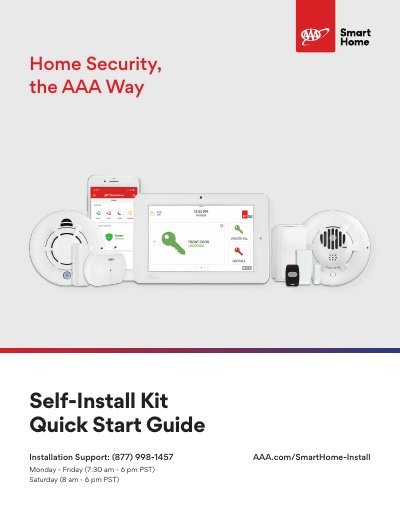
This guide provides instructions for installing the AAA Smart Home Self-Install Kit, which includes a touch-screen control panel and seven main security devices. The document covers the setup of the control panel, the installation of door and window sensors, motion detectors, smoke and heat detectors, carbon monoxide detectors, glass break sensors, temperature sensors, and panic buttons. It also details how to configure panel settings and test the system.
| Detection Range | nearly 40 feet |
|---|---|
| Pet Immunity Weight | up to 85 pounds |
| Mounting Height | 7-8 feet |
| Temperature Alert Low | below 40°F |
| Temperature Alert High | above 100°F |
| Glass Break Sensor Range | within 20 feet of a window |
The estimated install time is 1-3 hours, depending on the number of security devices ordered.
Wave your hand in front of the motion detector to see the results on your panel screen.
Ask your Smart Home Pro about changing your panel's location.