
This manual introduces the features, functions, operating methods and maintenance and repair information of AlphaScreen19 & 26 Color & Touch Panel Color LCD Monitors.
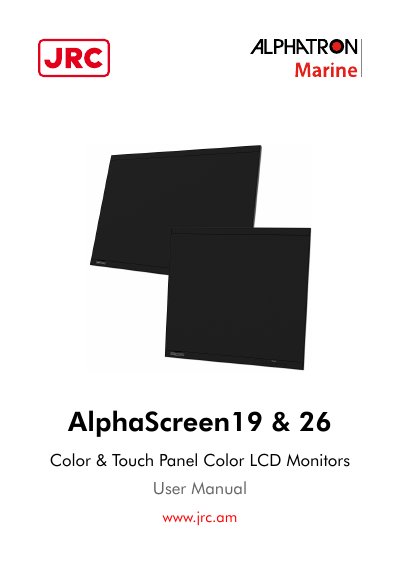
This document provides comprehensive instructions for the Alphatron AlphaScreen 19 and 26 series Color & Touch Panel Color LCD Monitors. It details the features of the 19.0-inch and 25.5-inch displays, including their resolution capabilities, wide viewing angles, and built-in warning buzzers. The manual also explains the use of the supplied Alphatron Marine LCD Utility Disk for software adjustments.
| Display Size (19 inch model) | 19.0" LCD |
|---|---|
| Display Size (26 inch model) | 25.5" LCD |
| Resolution (19 inch model) | 1280 × 1024 |
| Resolution (26 inch model) | 1920 × 1200 |
| Viewing Angle (19 inch model) | Horizontal : 178°, vertical : 178° |
| Viewing Angle (26 inch model) | Horizontal : 176°, vertical : 176° |
| Power Supply | AC/DC |
| Testing Standard | IEC60945 4th edition |
It takes about 30 minutes for the performance of electrical parts to stabilize. Please wait 30 minutes or more after the monitor power has been turned on.
An afterimage may appear when the screen image is changed after displaying the same image for extended periods of time.
No, chemicals such as alcohol and antiseptic solution may cause gloss variation, tarnishing, and fading of the panel, and also quality deterioration of the image.
This product has been approved for NK (Nippon Kaiji Kyokai), DNV GL (DNV GL AS), ABS (American Bureau of Shipping), and LR (Lloyd's Register of Shipping).