
This is a product manual for a liquid crystal display, which introduces the product's features and usage methods
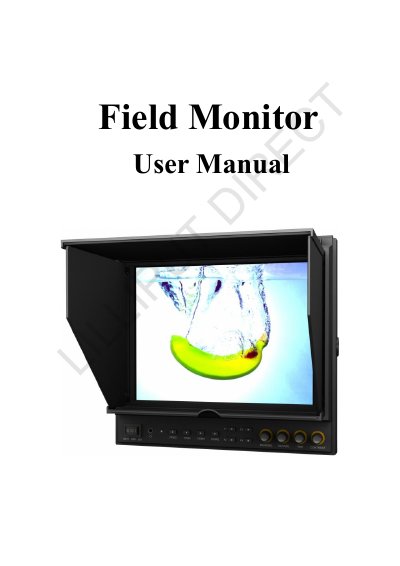
This user manual covers the setup, operation, and troubleshooting of the LILLIPUT DIRECT YP-01130911 field monitor. It includes instructions for installing the sunshade cover, mounting compatible batteries, navigating the menu system, and adjusting display settings. The monitor supports multiple video inputs including HDMI, SDI, and YPbPr, and features a 9.7" TFT LCD screen with 1024x768 resolution and 178° viewing angles. It is designed for professional use with options for battery plates compatible with Panasonic, Sony, and Canon devices.
| Screen Size | 9.7" |
|---|---|
| Resolution | 1024×768 |
| Brightness | 400cd/㎡ |
| Contrast Ratio | 600:1 |
| Viewing Angle | 178° / 178° (H/V) |
| Input Voltage | DC 12V |
| Power Consumption | ≤18W |
| Operating Temperature | -20℃~60℃ |
| Storage Temperature | -30℃~70℃ |
| Dimensions (LWD) | 246×224×31mm / 167.5mm (with cover open) |
| Weight | 1068g / 1388g (with cover) |
The monitor supports Video (or SDI), YPbPr, Dual audio, and HDMI inputs.
The monitor has a 1024×768 high resolution.
Color temperature can be set to 6500ºK, 7300ºK, 9300ºK, or user-defined values under 'User' mode.