
This manual introduces the functions and features of Brainchild Electronic VR18 paperless recorder, as well as the installation and usage methods.
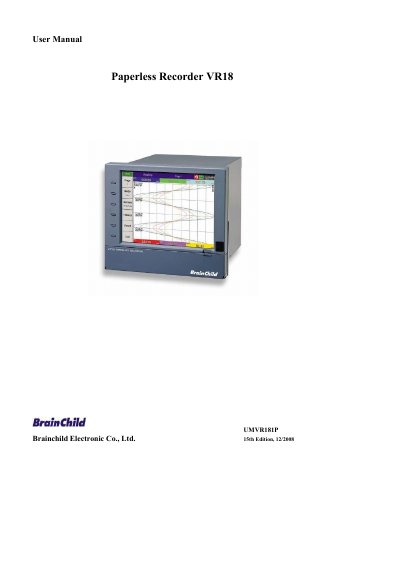
This document provides detailed instructions for installing, configuring, and operating the Brainchild VR18 paperless recorder. It includes sections on safety, wiring, input/output cards, communication protocols, storage media, and data security. The manual also covers basic operation, advanced configuration, PC software integration, and troubleshooting tips. The device features 18 isolated analog inputs, Ethernet and RS-232/422/485 communication, and a 6.4" TFT color LCD display.
| Display | 6.4" TFT Color LCD with VGA Display in 640x480 pixels |
|---|---|
| Analog Inputs | 18 isolated Analog Inputs |
| Analog Output | 15-bit D-A Analog Output |
| Sample Rate | 200 millisecond sample rate |
| Storage Media | Compact Flash (CF) card, 512MB standard |
| Communication | Ethernet (standard), RS-232/422/485 (optional) |
Approximately 2960 days, calculated as 512 MB / (2 bytes x 24 hours x 60 minutes x 60 seconds).
Use the synchronization feature in the PC software by clicking the "Clock" icon and then the "Synchronize" button.
The DDE tag name changed from "Analog input] Aln" to "TAGn", where n is the channel number.