
This manual introduces the use of LX-1128SD light meter, including features, specifications, measurement steps, data recording, etc.
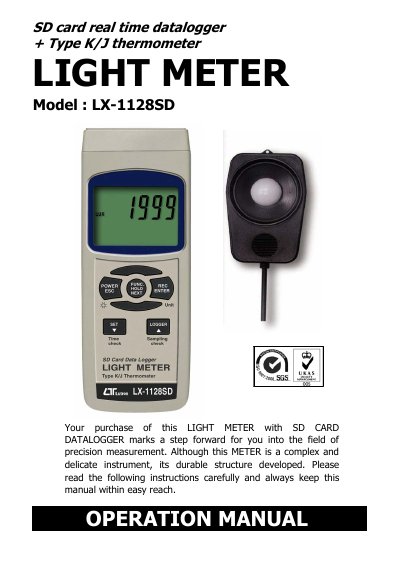
This manual provides step-by-step instructions for operating the LX-1128SD light meter, including how to measure light levels, use the built-in thermometer, and configure the SD card datalogger. It covers front panel controls, measurement procedures, data logging modes, and troubleshooting. The device supports three light measurement ranges and can record data with time stamps to an SD card for analysis in Excel.
The manual also details optional accessories, RS-232/USB connectivity, battery and power supply options, and specifications for light and temperature measurements, including accuracy and resolution.
| Light Measurement Range | 2,000 LUX / 20,000 LUX / 100,000 LUX |
|---|---|
| Light Unit | LUX & Foot Candle |
| Temperature Measurement | Type K or Type J thermocouple |
| SD Card Capacity | 1 GB to 16 GB |
| Sampling Time | 1 second to 3600 seconds |
| Display | LCD with green backlight |
| Power Supply | 6 x UM3/AA batteries or DC 9V adapter |
| Weight | 489 g / 1.08 LB |
| Dimensions | 177 x 68 x 45 mm (7.0 x 2.7 x 1.9 inch) |
Press and hold the "Function Button" until the display shows the desired mode (Light meter or Type K/J Thermometer), then release the button.
Cover the light sensor with the sensor cover, then press and hold the "Logger Button" for more than 3 seconds to set the display to zero.
The data is a 16-digit stream with specific bit positions indicating display reading, decimal point, polarity, and unit type.