
CDU737PRO is a full-scale replica of Boeing 737 Central Unit Display produced by CPflight. It has the same appearance and functionality as the real 737 CDU. It is equipped with a custom-made keyboard and a 640x480 color display. It does not need to connect to the PC's video output port. It supports Prosim737, Project Magenta PMDG737ngx, PMDG737ngxu and iFly737 software.
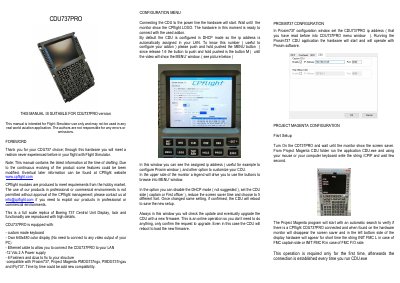
The CPflight CDU737PRO is a full-scale replica of the Boeing 737 Central Unit Display designed specifically for flight simulator use. It features a custom keyboard, a 640x480 color display, an Ethernet interface, and a 12V DC power supply. The hardware is compatible with Prosim737, Project Magenta PMDG737ngx, PMDG737ngxu, and iFly737 flight simulation software.
| Display Resolution | 640x480 color display |
|---|---|
| Power Supply | 12 Vdc 2 A |
| Connectivity | Ethernet cable |
This manual is intended for Flight Simulator use only and may not be used in any real world aviation application.
Push and hold the MENU button until the video shows the MENU window to see the assigned IP address.
Push and hold the decimal point button until the screen saver disappears, then wait about one minute before disconnecting the power.