
Connect 2.0 is a long-range, high-performance 4G LTE + WIFI extender that can securely bring the internet connection to you and your devices.
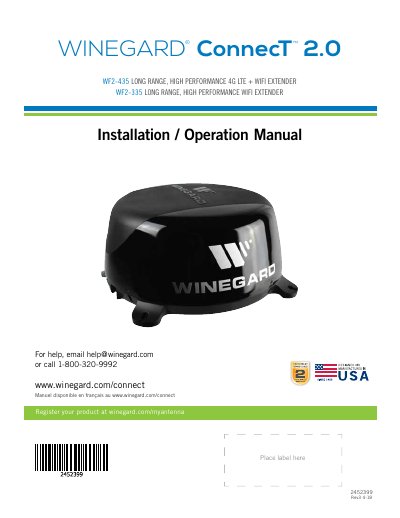
This manual provides step-by-step instructions for installing and operating the Winegard ConnecT 2.0, a long-range 4G LTE + WiFi extender designed for vehicle environments. It covers mounting requirements, wiring, power setup, and network configuration. Safety warnings and compatibility notes are included, such as avoiding battery installation without proper ventilation and ensuring clear line of sight for optimal performance.
The guide also explains how to connect devices to the extender’s WiFi network or 4G LTE service, configure network settings, and manage data plans. It includes diagrams and warnings for first-time users, such as not clicking back during setup and verifying connections after configuration changes.
| Dimensions | 16” diameter, 8” tall, 3.75 lbs. |
|---|---|
| Supply Voltage | 9-16V |
| Max. Operating Current | 1A |
| Max. Operating Temperature | 60C |
| Max. Power Cable Length | 18 gauge (recommended) – 50 ft. |
| Fuse Rating | 3A |
The recommended power cable length is 50 feet using 18 gauge wire.
Select 4G/LTE Only from the internet access menu, then click SELECT. Ensure you have data available or add data to use the 4G connection.
Microsoft Edge, Firefox ®, and Google Chrome ™ are recommended web browsers.
The unique default SSID and password are listed on the label on the front of the manual.