
CoTASA is a software that computes True Air Speed (TAS) from the data sent by Condor (Indicated Air Speed and altitude).
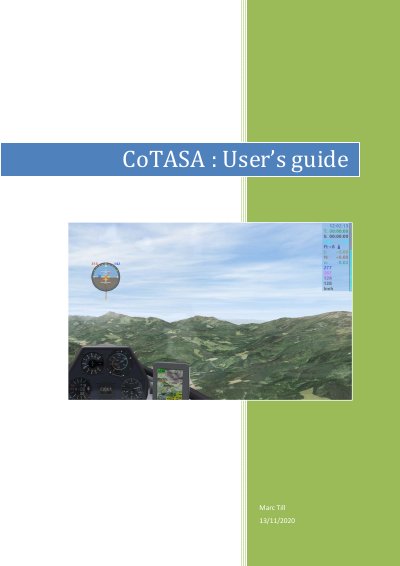
CoTASA V3.0 is a software program that calculates True Air Speed (TAS) from Condor’s Indicated Air Speed and altitude data. It can trigger alarms above a set threshold and optionally display an artificial horizon, water ballast, and variometers. Installation requires Condor version 2 and proper UDP configuration. The guide covers language support, configuration, alarms, display options, and automatic updates.
CoTASA computes True Air Speed (TAS) from Condor’s IAS and altitude data and sounds an alarm above a pre-set threshold.
CoTASA only works with Condor version 2; use CoTASA 1.1 for Condor 1.
Configuration can be done via the setup forms accessed by pressing 'C' when CoTASA has focus, or by editing the CoTASA.ini file.
English (EN), French (FR), and German (DE) are supported; other languages can be added by creating a new language file.