
This document is the user manual of BOMAG TELEMATIC
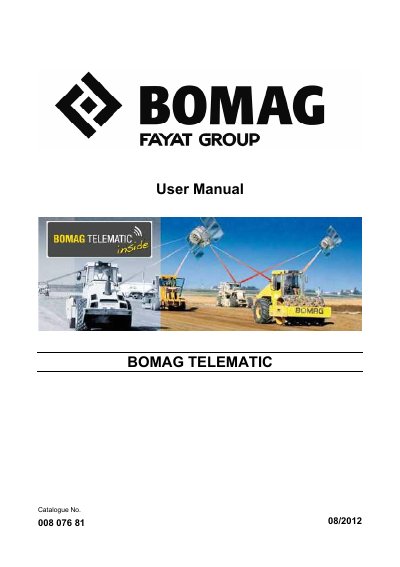
This manual provides step-by-step instructions for using the BOMAG TELEMATIC system, including logging in, navigating screens, managing alarms, and generating reports. It also covers administrative functions such as user management, fleet settings, and notification groups. The guide is designed for users who need to operate and configure the system for machine monitoring and data management.
The document includes detailed sections on screen overview, login/logout procedures, data selectors, table functions, and various reports like alarms, engine hours, and fuel consumption. Administrative tasks such as creating and assigning geo-fences, CANbus settings, and maintenance schedules are also covered.
Navigate to http://telematic.bomag.com or https://telematic.bomag.com, enter your username and password, then click 'GO!'.
There are four alarm priorities: Null, Low, Medium, and High, each serving different purposes in job costing and alarm notifications.