
This document is a user manual for DMX Touch Panel CONTROLLER
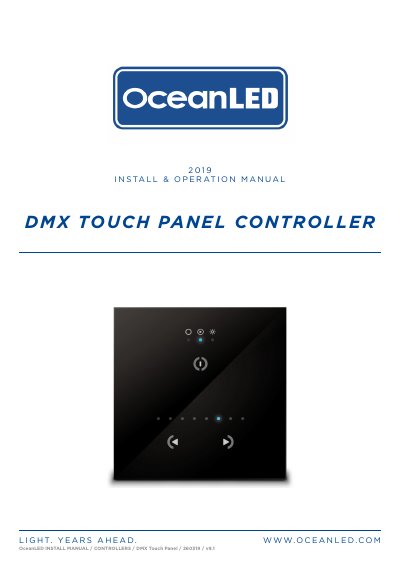
The OceanLED 260319 DMX Touch Panel Controller is a pre-loaded device featuring 32-bit ARM technology and three touch-sensitive buttons for power, mode selection, and scene navigation. It supports both Explore and Pro series configurations and requires installation in a dry location with ambient temperatures between 0°C and 50°C. The unit is not waterproof and must be mounted securely using appropriate hardware before connecting power and DMX cables.
| Technology | 32-bit ARM technology |
|---|---|
| Power Input | 5-9V DC / 100-240V AC |
| Operating Temperature | 0°C to 50°C |
| Touch Buttons | 3 touch sensitive buttons |
| Warranty | 2 year warranty |
The unit must be mounted in a dry location and never operated out of water for longer than 5 minutes followed by an OFF period of at least 1 hour.
Required tools include a drill with bits, a Phillips #2 screwdriver, wire strippers, a tape measure, and a marking utensil.
The DMX standard recommends a maximum of 32 devices connected in one chain.
The product comes with a 2-year warranty from the time of purchase.