
This manual is an instruction manual for the installation and use of the SENSYS system interface. It introduces the performance, function and operation method of the system.
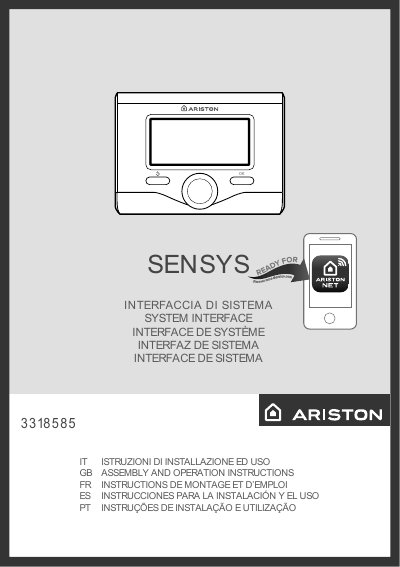
This manual provides step-by-step instructions for installing and operating the Ariston SENSYS 3318585 system interface. It covers display settings, heating control, hot water programming, and troubleshooting. Safety guidelines are included to prevent damage or injury. The interface is compatible with Ariston NET for remote control via smartphone or PC.
The manual also explains display symbols, menu navigation, and system features such as automatic mode, vacation mode, and solar integration. Technical specifications include power consumption, operating temperature, and compliance with EU directives. Users are instructed to follow safety procedures and contact certified technicians for repairs. This manual is written in Italian.
| Power Consumption | < 0.5W |
|---|---|
| Operating Temperature | -10 ÷ 60°C |
| Storage Temperature | -20 ÷ 70°C |
| Bus Cable Cross Section | min. 0.5 mm² |
| Temperature Sensor | NTC 5 k 1% |
| Resolution | 0.1°C |
| Energy Efficiency Contribution (Heating) | +3% (with external sensor) |
| Energy Efficiency Contribution (3-Zone System) | +5% |
Ariston NET is a service that allows remote control of your heating and hot water system via smartphone or PC, with real-time monitoring and energy savings.
Rotate the knob to select the desired language and press OK to confirm.