
This manual introduces the use of ADAM-4572, EKI-1221, EKI-1222, EKI-1224, EKI-1221D, EKI-1222D 1/2/4-port Modbus gateway
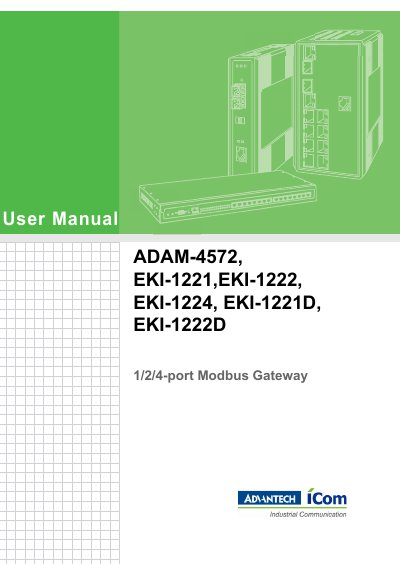
This document serves as the official user manual for the Advantech ADAM-4572 and EKI-122X series of 1, 2, and 4-port Modbus Gateways. It provides comprehensive instructions for understanding the product features, checking the package contents, and performing initial hardware setup.
The guide details the process of connecting the devices to power and serial peripherals, as well as wiring them to a host network. It further explains how to install and use the configuration utility software to discover devices, set Ethernet and serial communication parameters, and manage device settings such as firmware updates and factory resets.
| Product Type | 1/2/4-port Modbus Gateway |
|---|---|
| Warranty Period | 2 years |
| FCC Class | Class A digital device |
You should have the product name and serial number, a description of peripheral attachments, software details, a complete description of the problem, and the exact wording of any error messages ready.
The equipment should be stored in a controlled environment where the temperature does not go below -20° C (-4° F) or above 60° C (140° F).
You can restore the device to factory default settings through the Administrator Setting menu in the configuration utility.