
American Express FUJI Online Billing System User Manual

This document is about how to use AMEX Online Billing System to make credit card payments
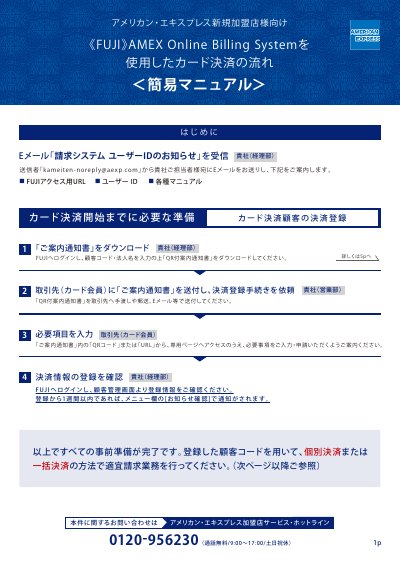

American Express FUJI Online Billing System User Manual - cover page
Brand
American Express
Category
Financial Management
Document type
User Manual
Language
Japanese
Pages
6
File format
PDF
File size
997 KB
Published
17 October, 2023
Updated
17 October, 2023
MD5 checksum
E29C4E9C2A1A1634C2F1407433AABCBB

About this manual

This document is a simplified manual for new merchants using the American Express FUJI Online Billing System. It outlines the necessary preparation steps, including receiving the user ID email, downloading the QR code notification, and guiding card members to register for payment services. This manual is written in Japanese.

What's inside

  • Preparation
  • New Merchant Registration
  • Individual Settlement
  • Batch Settlement
  • Data Cutoff Dates

Frequently asked questions

What is the contact number for inquiries?

You can contact the American Express Merchant Service Hotline at 0120-956230.

What is the URL to access the FUJI AMEX Online Billing System?

https://secure2.yds-net.ne.jp/AMEX-FUJI/

What is the initial password format for the first login?

It consists of the postal code and the first letter of the prefecture in uppercase.

How many days after registration can a customer expect to receive a notification of completion?

Within one week of registration, a notification will appear in the [お知らせ確認] menu.

Download PDF (997 KB)

More American Express Manuals


View all American Express manuals →