
Simagic GT1 HUB user manual, introduces the product's functions and usage methods
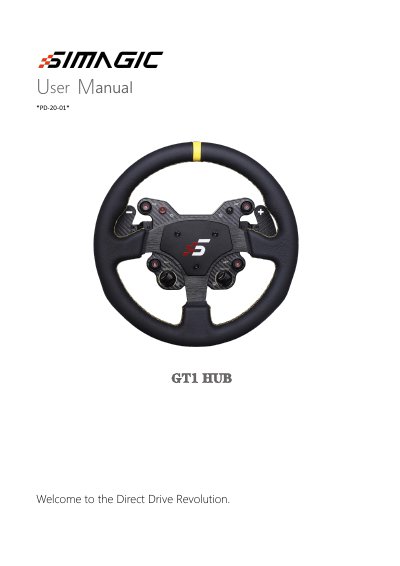
This manual provides instructions for the Simagic GT1 HUB, a direct drive racing simulator hub featuring a custom overspeed motor and integrated electronics. It is designed to work with PC and offers a direct connection between the steering wheel and motor shaft for an immersive experience.
The document covers essential setup procedures, including calibration settings for paddle and knob inputs, lighting configurations, and knob settings. It also details the Race Manager software for firmware updates and includes safety suggestions and after-sales information.
| Motor Type | three-phase hybrid direct drive motor |
|---|---|
| Connection Type | directly connected with the motor shaft |
Flip the toggle switch C key up to the parameter setting calibration working mode.
You should calibrate again if the keys on the calibration page of the control program jump after calibration.
The middle position is for dual clutch mode, and the bottom position is for dual axis mode.